
A proper gaming room setup hits differently than just a desk with a monitor on it. One good LED glow, a clean desk, and a comfortable chair can turn a boring bedroom corner into a genuine gaming zone that's actually exciting to sit in.
It's not only about looking good for a photo, either. A smart setup improves comfort, focus, and mood just as much as it improves aesthetics — the right room can genuinely help a teen stay organized instead of living in a snack-wrapper apocalypse.

What Actually Makes a Gaming Room Setup Work
A good gaming room setup comes down to five things working together: comfort, lighting, organization, personality, and performance. Skip one, and the room starts to feel incomplete no matter how much money went into it. Comfort especially gets overlooked — an adjustable chair, proper monitor height, and decent cable management matter more than almost anything else, since most teens spend hours a day in that one spot.
Budget matters less than people think. Some of the best gaming rooms cost surprisingly little because the owner built around one real statement piece — a bold desk, a cool chair, a neon sign — instead of buying a pile of random accessories. Lighting is the cheapest way to transform a plain room into something cinematic, and a corner desk setup can make even a tiny bedroom feel like a dedicated zone the moment you sit down.


12 Gaming Room Setup Ideas Worth Trying
RGB Setup
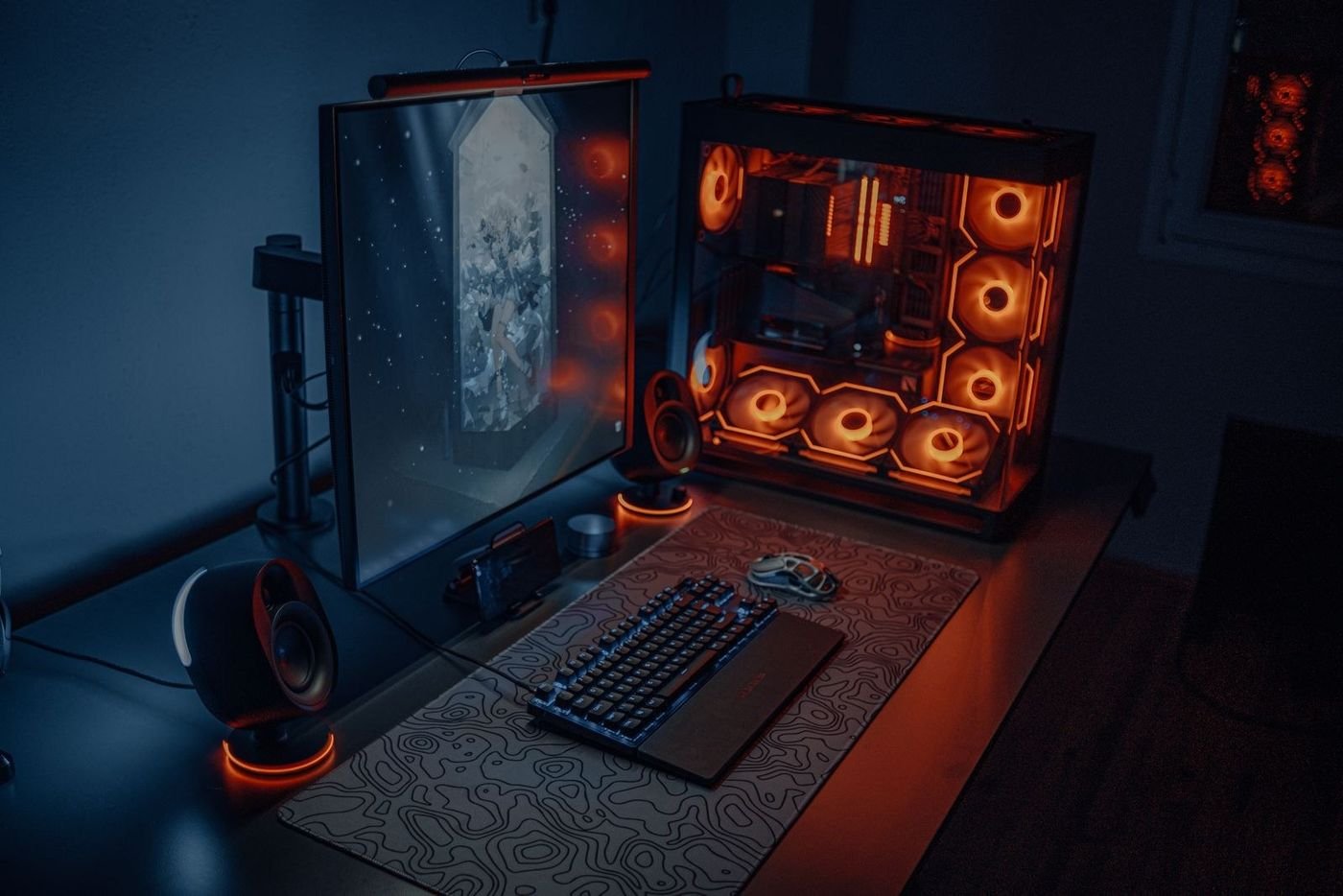
RGB setups stay popular for one simple reason: they look incredible. Yes, some people call RGB lighting excessive, but those same people are usually sitting under a flat ceiling light that belongs in a waiting room.
The trick to making RGB actually look good instead of chaotic is balance — stick to two main colors, matching peripherals, and indirect lighting rather than every light source going its own direction.
A glowing PC case paired with a clean desk mat, like the orange-lit tower and dual monitors shown here, proves that RGB can look genuinely premium instead of overwhelming when it's done with restraint.


Black and White Setup
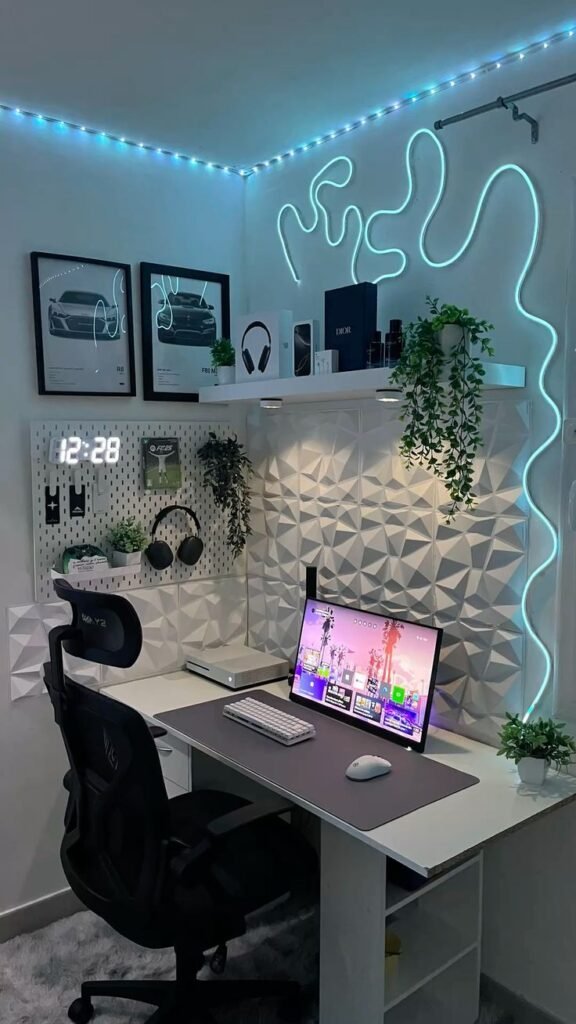
This style never fails. A black and white gaming room feels sleek, modern, and mature without trying too hard, and it photographs beautifully whenever it ends up on camera.
The formula is simple: black furniture adds depth, white or gray walls keep the room from feeling heavy, and a single accent light carries whatever personality the room needs.
An illuminated display shelf against dark monochrome walls, like the one shown here with wall-mounted controllers as art, is proof this look can hold up for years without ever feeling dated.


Korfile 47 Inch Gaming Computer Desk with LED Lights, Power Outlets and 5 Drawers, Black
Shop on Amazon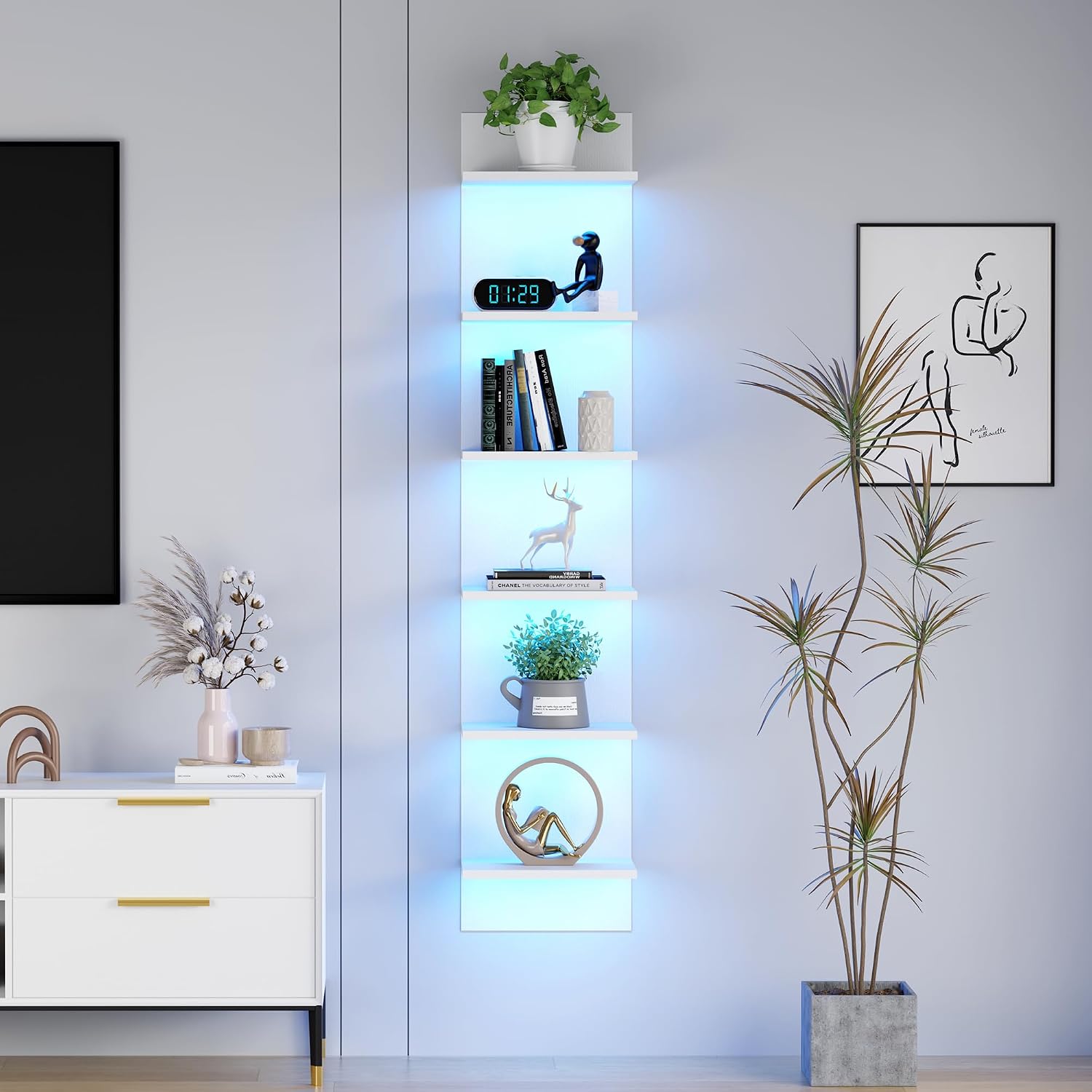
Cozy Setup
Not everyone wants their room to feel like a spaceship cockpit. Some teens just want a setup that feels relaxing to come home to after school, and that's exactly where a cozy build shines.
Texture is what makes a room feel warm instead of cold — soft lighting, collected figures or keepsakes on a shelf, and warm wood tones all layer together instead of competing.
Warm shelf lighting glowing behind action figures and games, like the setup shown here next to an easy chair and a lamp-lit bed, feels considerably easier on the eyes during long sessions than cold blue LEDs ever do.


Anime-Inspired Setup
Anime gaming rooms exploded in popularity for good reason — they combine personality, color, and creativity in a way a generic setup just can't match.
The move is to commit to one theme rather than mixing a dozen different aesthetics together. Pick one favorite series, one color palette, and matching posters, and the whole thing reads as intentional instead of cluttered.
A wall of character posters and art, like the one shown here surrounding a dual-tone RGB desk and a row of plushies, shows exactly how far one consistent theme can carry a room.


Clean Setup With One Statement Light
Not every teen wants aggressive RGB or a dozen competing accessories. A clean, cool-toned setup proves that restraint can look just as striking as a full light show.
The approach is simple: keep the palette tight — navy, gray, and black work well together — and let one single statement piece carry the whole room instead of ten smaller ones competing for attention.
A glowing neon circle sign anchoring an otherwise simple navy-and-gray corner desk, like the one shown here, is exactly that kind of restraint. One bold element, everything else quiet.



Neon Setup
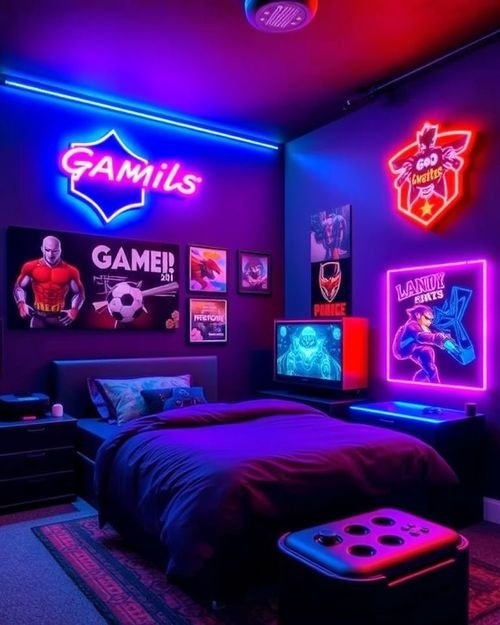
Neon setups feel bold, energetic, and ready for a close-up in the best possible way. The key is using neon accents strategically instead of turning the whole room into a glowing traffic sign.
Electric blue, pink, purple, and cyan tend to work best, and custom neon signs — a gamer tag, a lightning bolt, a favorite quote — instantly make a setup feel one-of-a-kind.
A wall of custom neon logos layered over gaming posters, like the ones shown here glowing red and blue against a dark room, is neon at its most confident — loud, but still clearly intentional.


Small Bedroom Setup
A small room calls for strategy, not sacrifice. Some of the best gaming setups online exist inside tiny bedrooms precisely because the owner was forced to design intelligently.
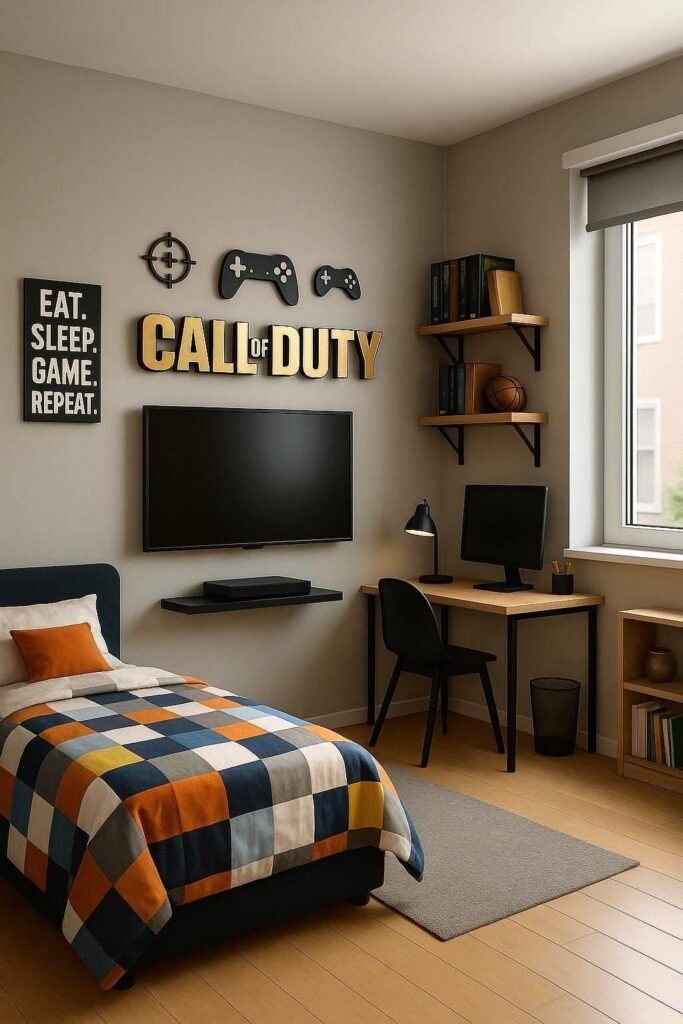
Compact furniture is non-negotiable here — slim desks, wall shelves instead of floor storage, and a wall-mounted TV instead of a bulky standing one all free up real floor space.
A themed single-bed setup with a corner desk and wall-mounted screen, like the one shown here, proves a small footprint doesn't mean a scaled-down gaming experience.


Dual Monitor Setup
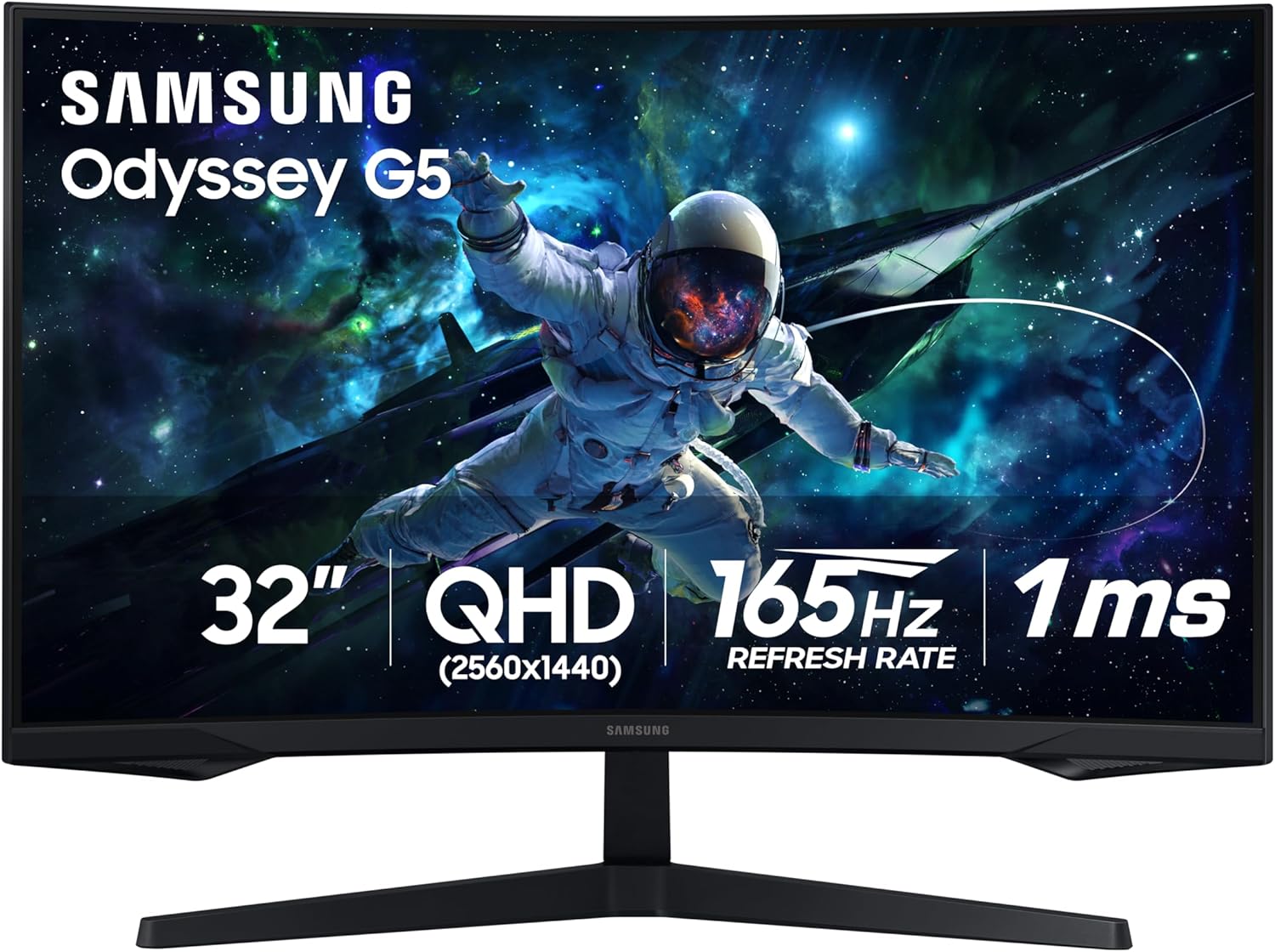
A dual setup sounds fancy, but it solves a genuinely practical problem for anyone who games, streams, studies, or edits video — one screen handles gameplay, the other handles everything else.
Once you're used to two screens, going back to one feels almost painful. You can watch a walkthrough while playing, keep a voice chat visible, or multitask without constantly tabbing in and out.
The trick to keeping it from looking chaotic is balance — matched monitor sizes and aligned heights, like the side-by-side pair shown here, read as a cohesive setup instead of two screens that just happen to share a desk.


LED Shelf Lighting Setup
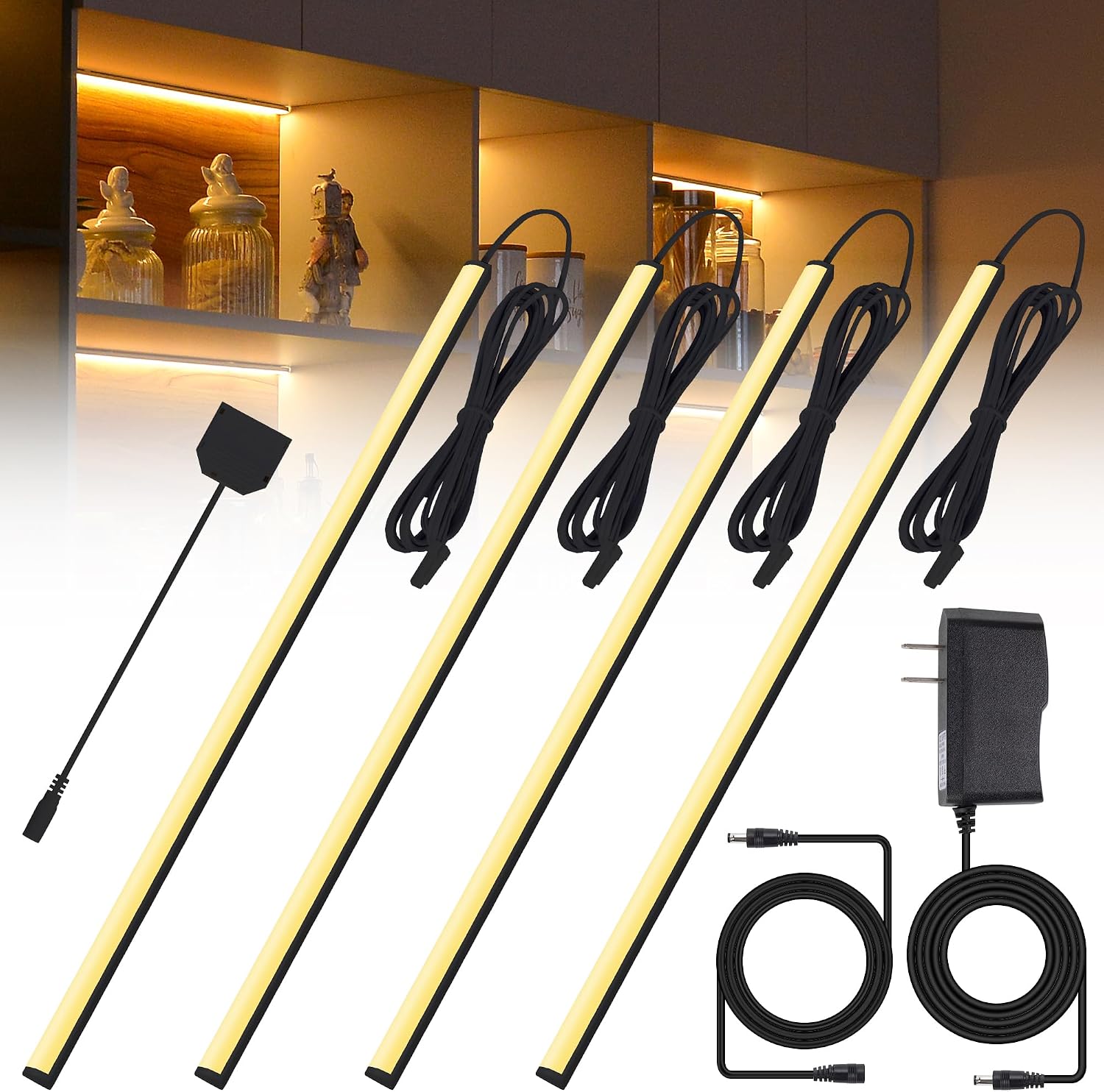
Strip lighting tucked behind shelves does more for a room's atmosphere than almost any single purchase. Plain shelves feel unfinished the moment you've seen what proper backlighting can do.
Running LED strips behind display shelves adds both lighting and visual depth at once — it works especially well behind collectibles, games, or figures, where the glow highlights what's actually on display.
A shelf of collectible figures lit from behind in contrasting orange and blue, like the one shown here above a dual-monitor desk, turns a basic storage shelf into one of the room's best features.


Gaming-Meets-Study Setup
Most teen bedrooms serve more than one purpose now — gaming zone, homework station, and streaming corner all at once. A good setup should support real life, not just look good in photos.
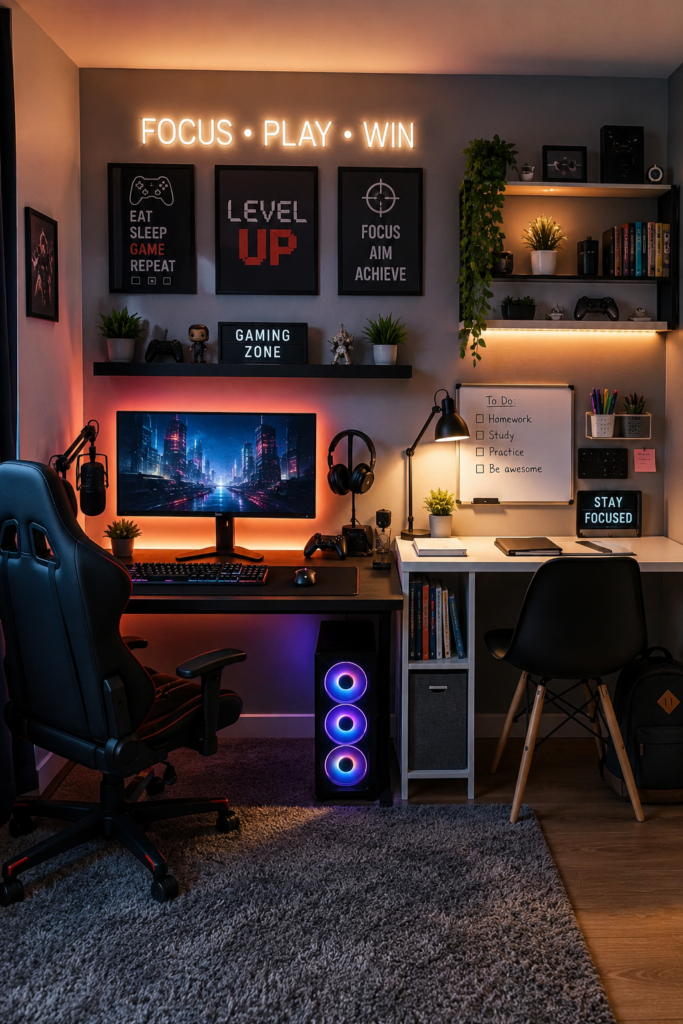
Visual separation helps more than people expect — different lighting zones, a dedicated organizer, and distinct decor for each area let the brain actually switch between relaxing and focusing.
A setup with motivational signage and an actual to-do list next to the gaming desk, like the one shown here, keeps both halves of the room doing their job instead of one quietly taking over the other.


Console Setup
Not everyone wants a massive gaming PC. A console-focused room can look just as impressive while costing less and skipping the endless upgrade cycle PC building somehow normalized.
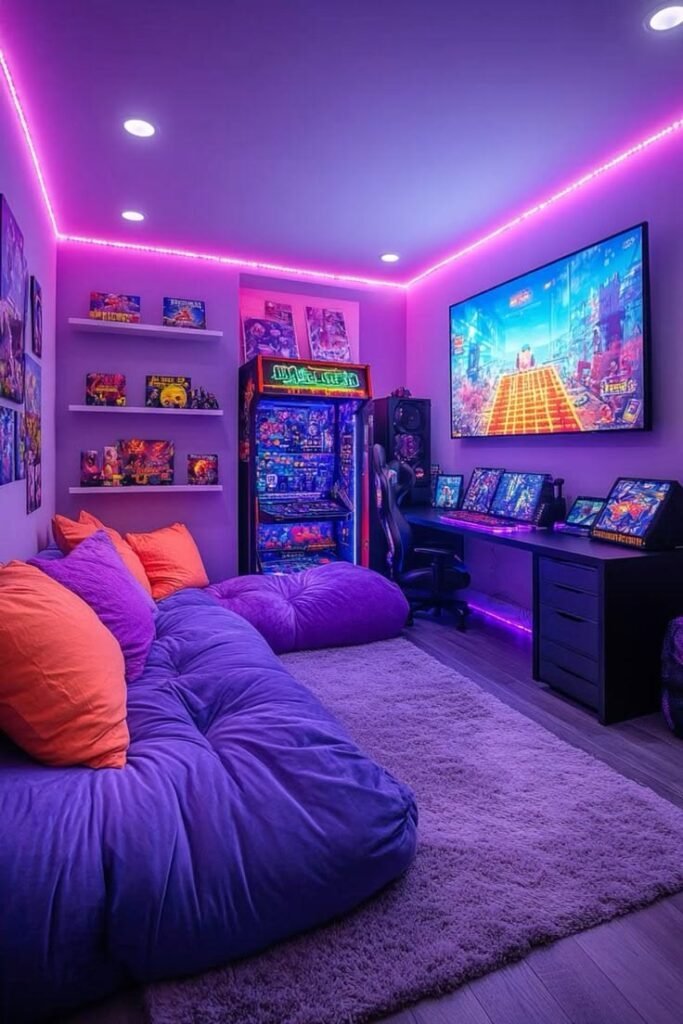
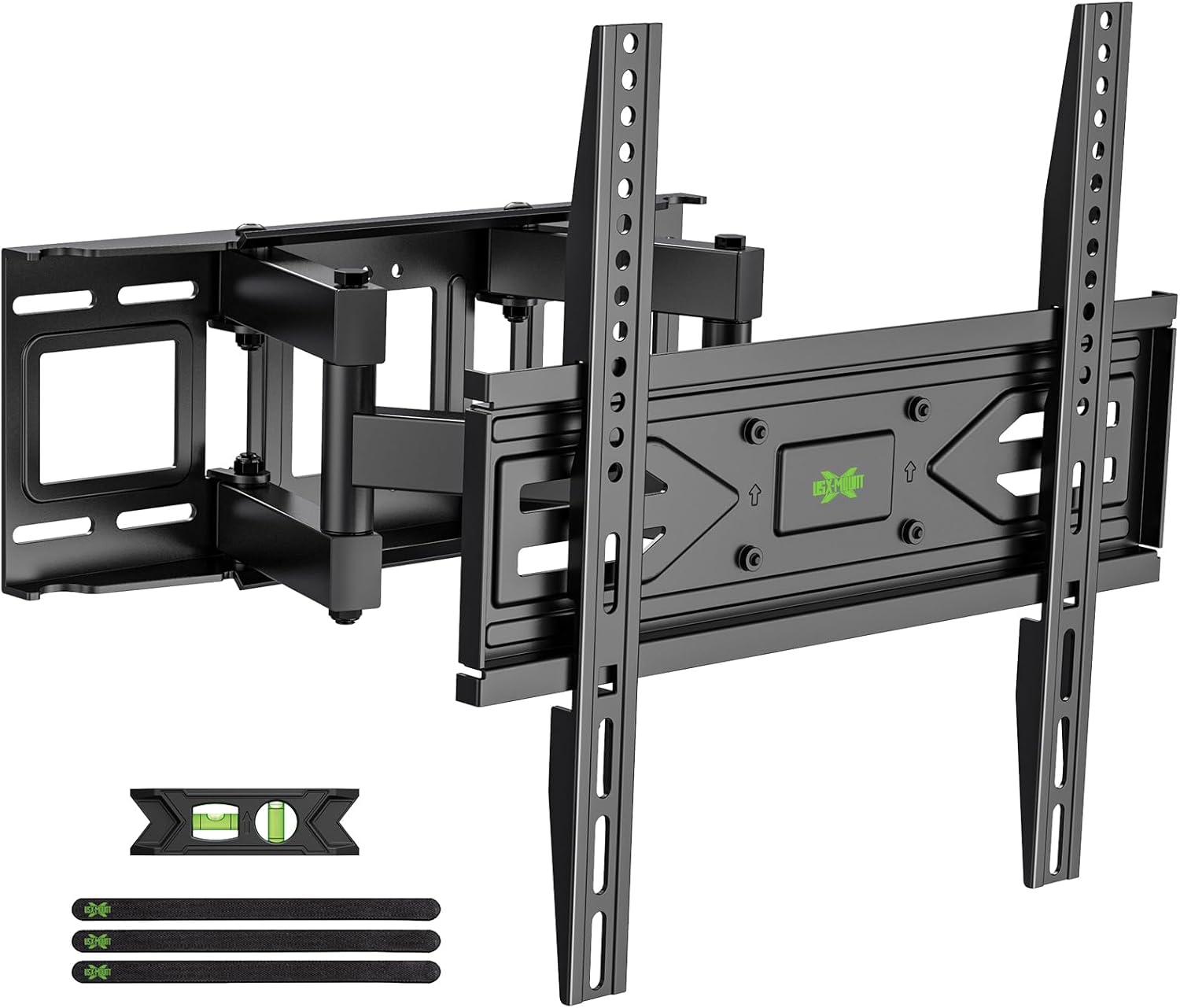
Wall-mounting the TV is the single best upgrade for a console setup — it frees up desk space, improves the viewing angle, and instantly makes cable management easier.
Comfortable floor seating matters more here than almost anywhere else, since console gaming usually means leaning back rather than sitting upright. A wall-mounted screen paired with deep bean bag seating, like the setup shown here, nails that completely.

Smart Setup
Smart gaming rooms feel genuinely futuristic without needing an unreasonable budget. A few small tech upgrades go a long way toward both convenience and atmosphere.
Voice-controlled lighting sounds unnecessary until you actually try it — saying "turn gaming mode on" and watching the whole room shift color on command feels disproportionately satisfying for how simple it is.
Smart plugs, wireless chargers, and app-controlled lighting are all worth adding. Not every upgrade needs to scream "gamer" — the quieter tech additions often end up feeling the most genuinely useful day to day.


Final Thoughts
The best gaming room setups balance comfort, personality, and function. A setup should feel exciting to use every single day, not just impressive in a photo — whether that means a minimal black-and-white build or a glowing RGB cave ready for a tournament, both work when the room feels genuinely intentional.
Start small if the budget calls for it, and add upgrades gradually. Lighting, organization, and comfort create the biggest impact fastest — everything else is just the fun part that happens over time.